
How to get Vodeora Pro
Vodeora Pro is purchased in the Vodeora app on your iPhone, iPad, Android phone or tablet, or Android TV, through the App Store or Google Play. It belongs to your Vodeora account, so once you subscribe it also unlocks the app on your computer. There is nothing to buy separately on desktop.
Get the app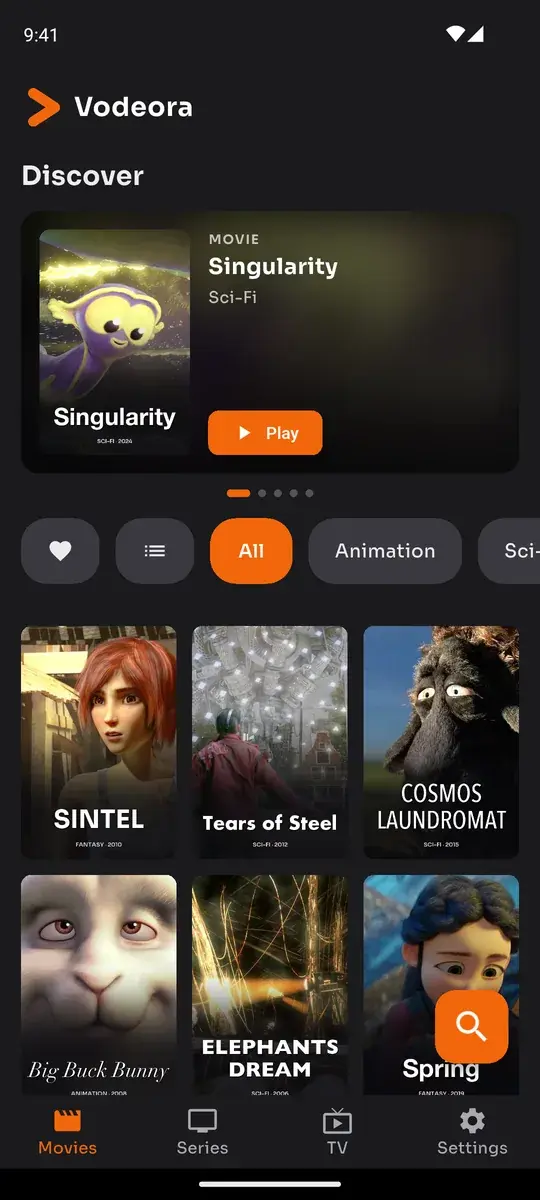

What Pro gives you
- No daily viewing limit
- Keep more than one source
- Works on your phone, tablet, TV and computer with one account
Vodeora Pro
Four steps
Install Vodeora on your iPhone, iPad, Android phone or tablet, or Android TV using the buttons below.
Sign in with the same Vodeora account you use on your computer.
Open Settings, tap “Go Pro” and choose a plan. Payment is handled by the App Store or Google Play.
Back on your computer, Pro turns on by itself within a few seconds. If it does not, restart Vodeora on the computer.
Get the app
Managing your subscription
Pro is an auto-renewing subscription. You can manage or cancel it at any time in your App Store or Google Play account settings. Deleting your Vodeora account does not cancel a store subscription.
Vodeora is a media player. Pro unlocks app features only and does not include any channels, playlists or content. Questions: info@vodeora.com
← Back to the Vodeora website